It has been almost three months to the day since we were supposed to get the highly anticipated holiday software update, sometimes referred to as V11. Unfortunately due to some bugs Tesla was only able to release half (or less) of the features, with the promise more would be coming soon.
We now have our first glimpse of the full V11 software update. One lucky Tesla fan was able to sit inside a new refresh Model S and get some pictures of the new software, which were shared to Reddit.
Keep in mind the new Model S will have some features that are unique to it, but most of what we see here will likely make its way to the Model 3/Y.
Like any major software update, the biggest change is to the User Interface (UI).
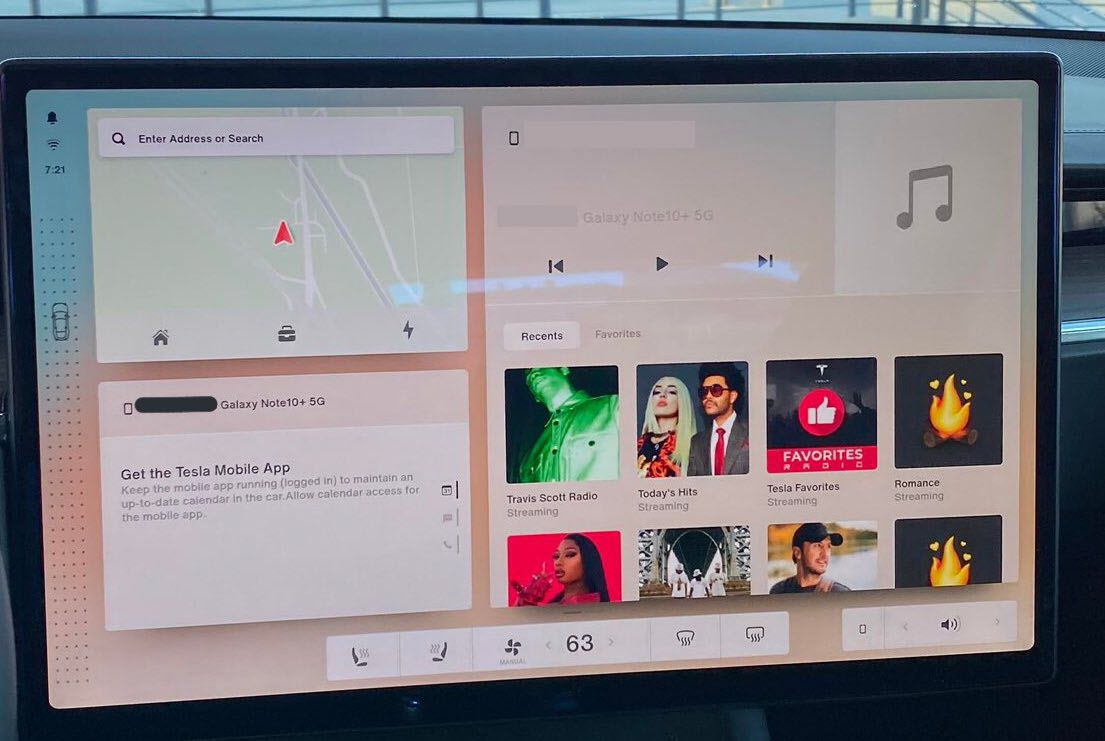
In the images above we can see a new widget style design with navigation, mobile device, and media widgets along with a new climate control design. There is also a sidebar to the left, which we have seen previously, that we still don’t know the purpose of.
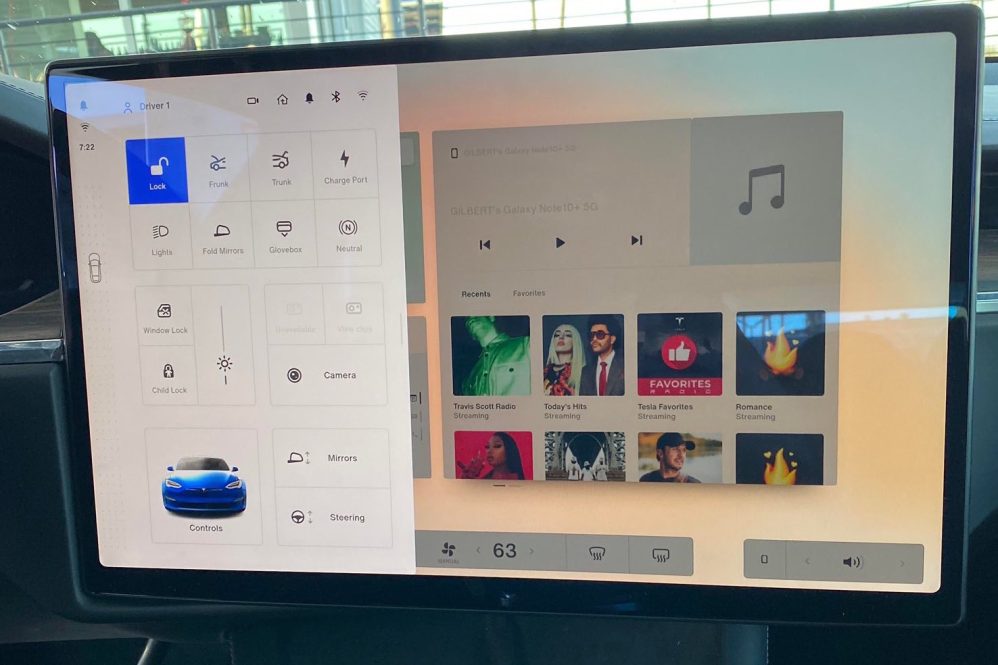
UPDATE: A video has been shared to Twitter showing the software in action, and we can see at least one function of the sidebar is to access the Driver Profile page.
Refreshed #Tesla Model S with Tesla OS V11 as seen by the u/FridayTheDog111. See my profile for more. $TSLA pic.twitter.com/S2cm4uIxlr
— Mirek Bujna from Charge Now (@mirekbujna) March 22, 2021
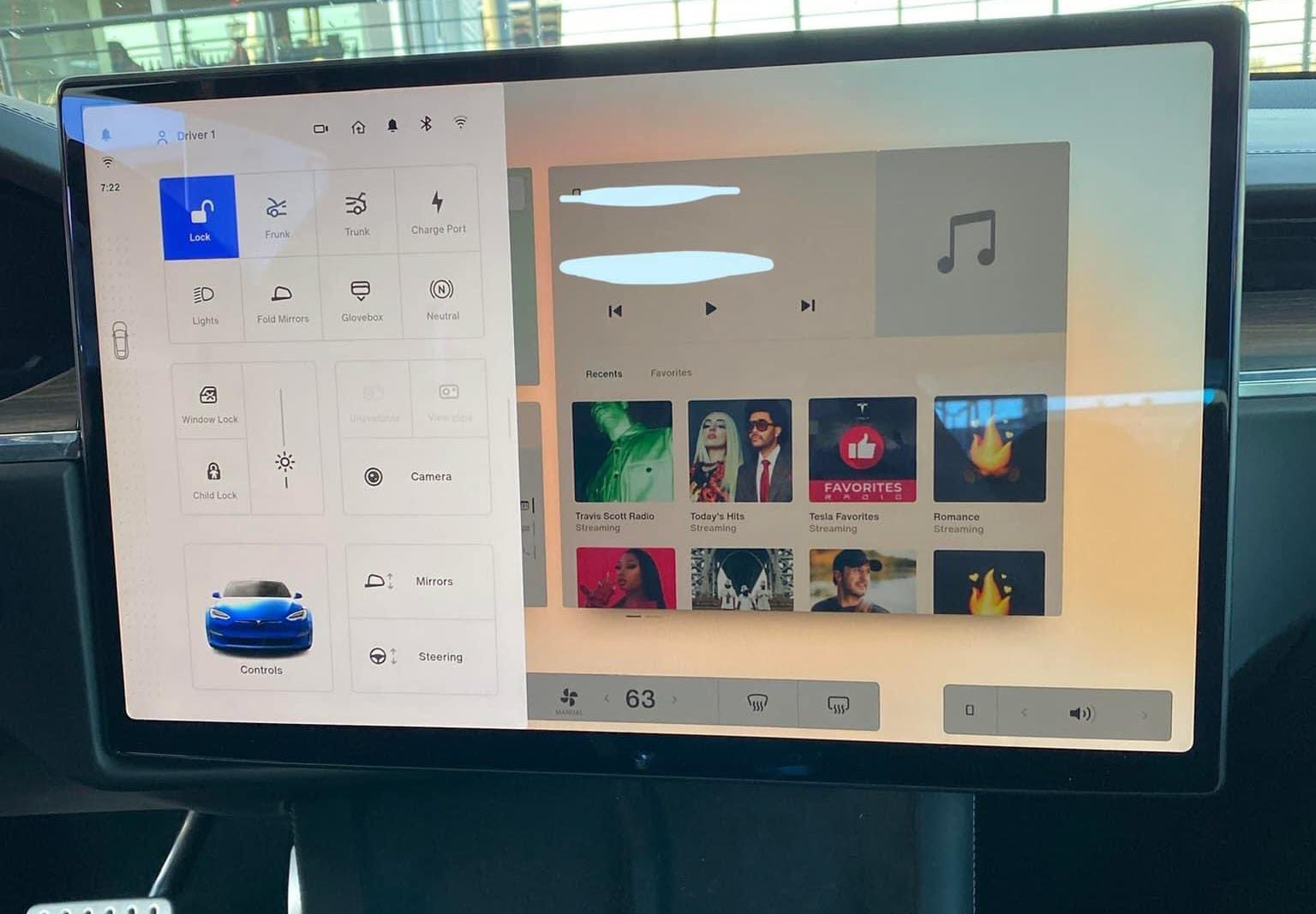
We also see a new driver profile settings menu. All of the options are the same as those found currently, with the exception of one new button which will make many owners happy – a neutral button. This image also finally shows us how much the new Model S/X screen can tilt left/right.
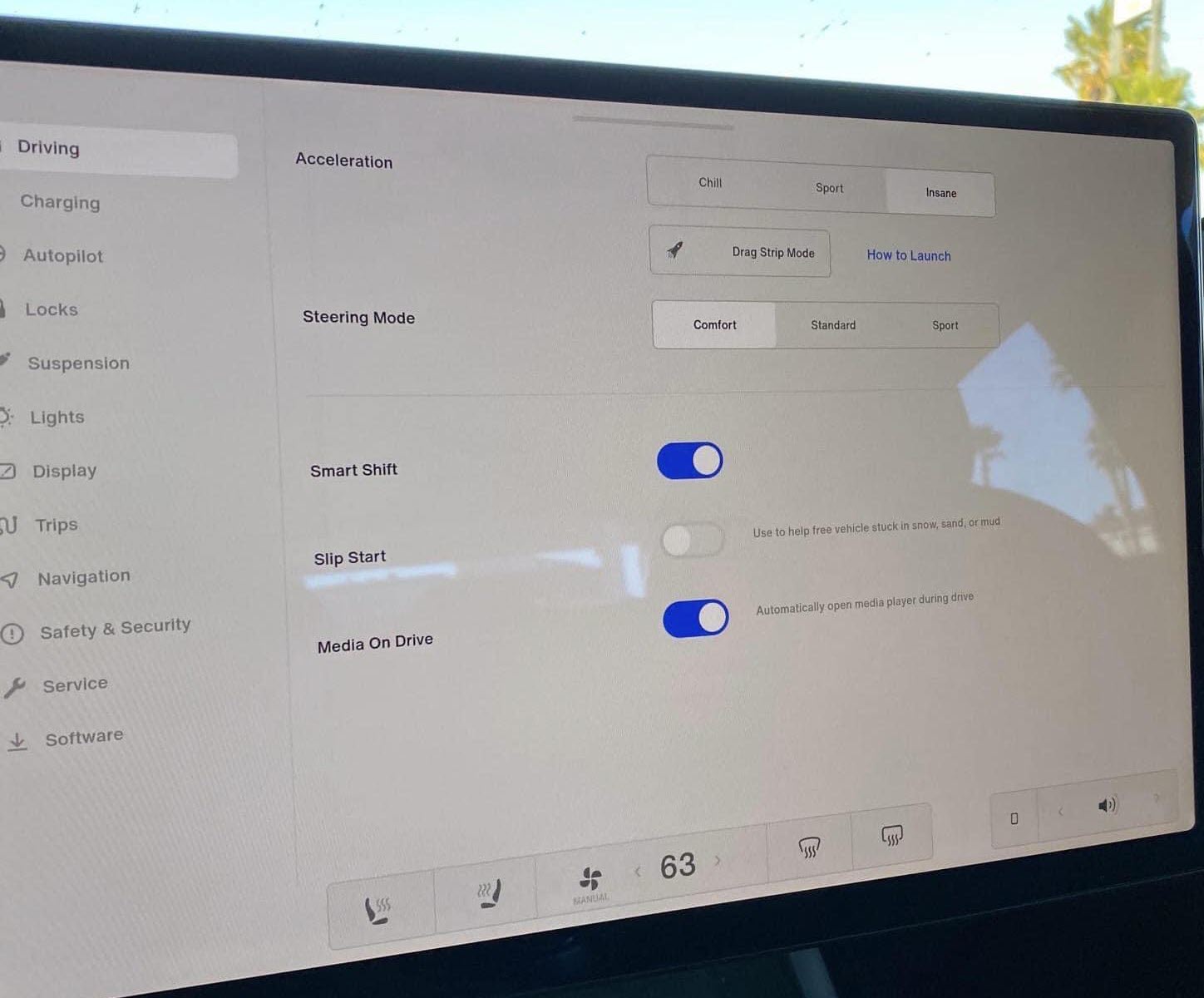
We also got a view of the Driving menu settings, showing a new “Drag Strip Mode”, “Smart Shift”, and “Media on Drive” buttons. Media on Drive is likely for the new screen for rear passengers, and Smart Shift was described by the Reddit user as follows:
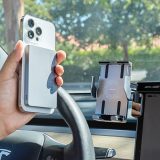
“Smart Shift” can be turned off. Controls are on both the screen and the steering wheel. Nothing on the pad below the phone charger. The right most button on the wheel acting as a kind of a gear shifter. Clicking once will bring up a prompt on the screen. You will then scroll to which gear you want and click in. The right scroll wheel button is mainly used for Autopilot. So when it’s not in use, it can be used for gear shifting.
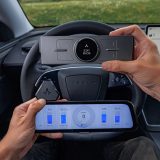
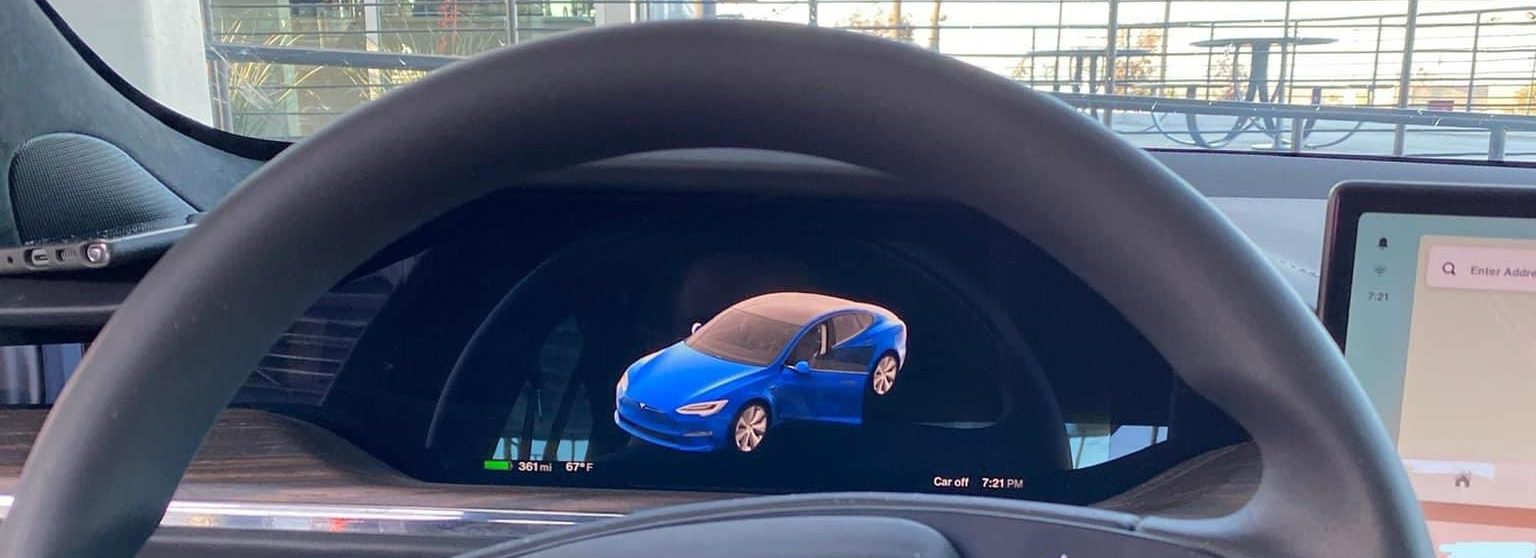
Finally we also got a glimpse of the smaller screen behind the steering wheel, but since the car was in Park we don’t get to see much.
With the imminent launch of the Model S, we should hopefully be seeing the V11 software update deployed to the entire fleet soon.

Always get the latest - make Drive Tesla your preferred source on Google
Are you buying a Tesla? If you enjoy our content and we helped in your decision, use our referral link to get three months of Full Self-Driving (FSD).Drive Tesla uses affiliate links, which means we may earn a commission if you make a purchase through them, at no additional cost to you. Thank you for your support.