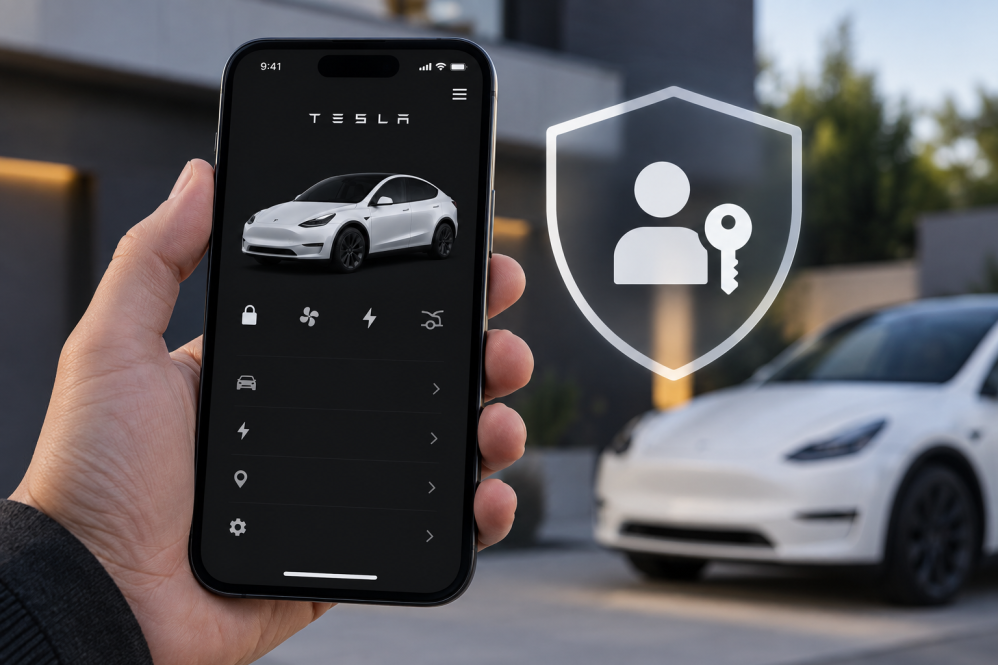
Tesla has added another layer of account security with the release of mobile app, introducing support for passkeys and giving owners a new way to sign in without relying on a traditional password.
The addition was not in the release notes, but was discovered by X user Rhys Samson (@samsonusmc), who shared a screenshot of the new Passkey option appearing under Tesla’s Sign In Management settings.
The feature is now available to Tesla owners after updating to app version 4.61.0, which was released on the iOS App Store on Friday evening.
What Is A Passkey And Why Is It Important?
A passkey is a modern authentication method that allows users to sign in to their accounts using the same method they use to unlock their devices, such as Face ID, Touch ID, fingerprint recognition, or a device PIN.
Unlike traditional passwords, passkeys use cryptographic credentials rather than a password that must be remembered or entered manually.
This makes them more resistant to phishing attacks, since a passkey is tied to the legitimate website or service and cannot simply be entered into a fraudulent login page.
How To Set Up A Passkey In The Tesla App
Setting up a passkey takes just a few steps:
- Open the Tesla app and tap the hamburger (three line) menu in the top-right corner.
- Tap your profile name and select Security & Privacy.
- Select Sign In Management.
- Tap Passkey.
- Tap Add Passkey and follow the onscreen instructions.
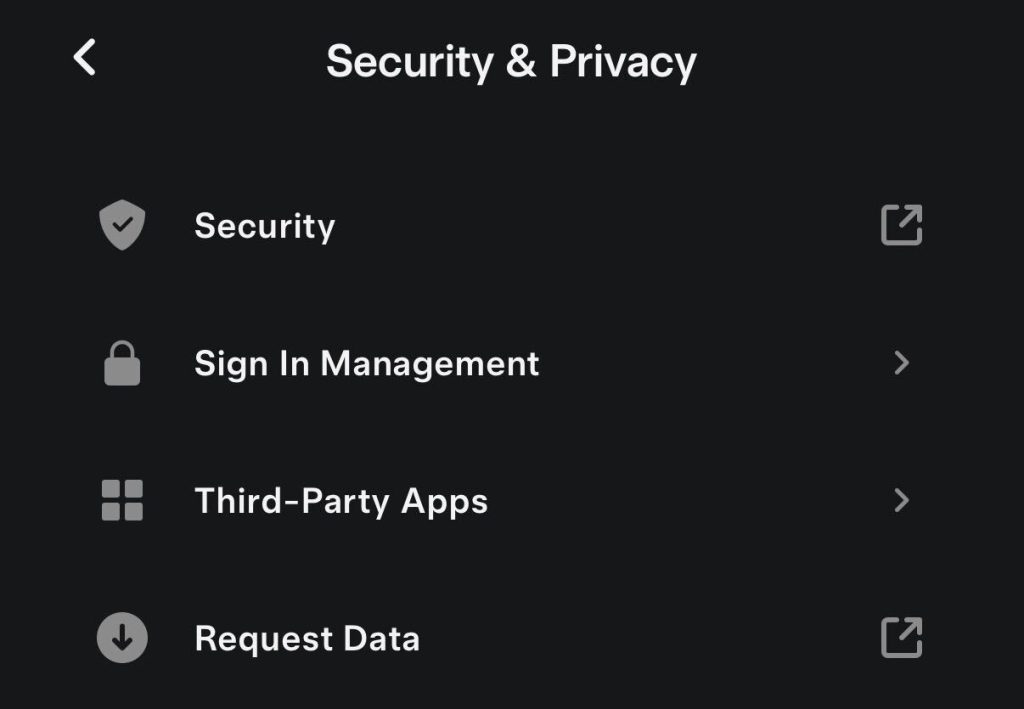
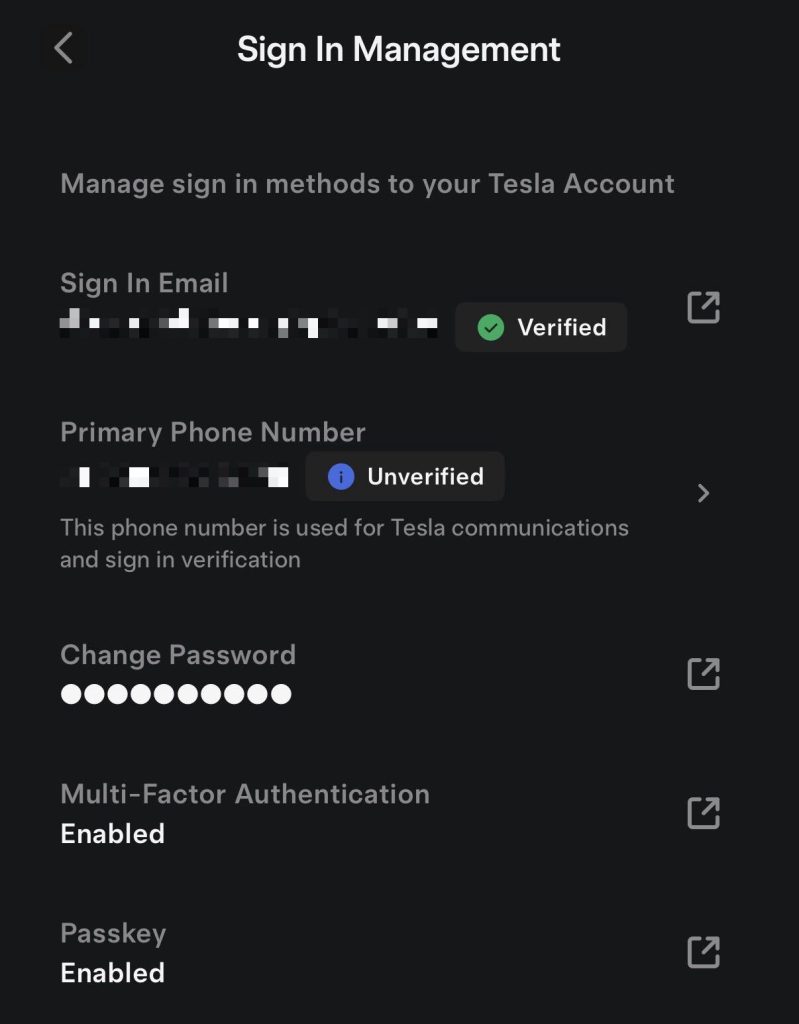
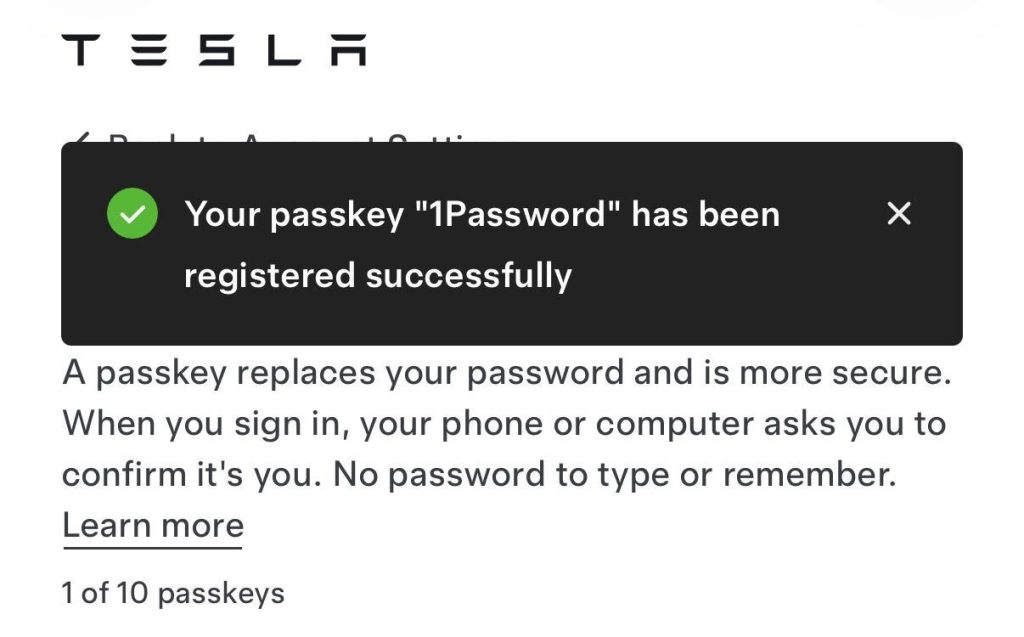
Once configured, the Sign In Management page will display Passkey: Enabled.
The new feature joins Tesla’s existing security options, including multi-factor authentication, giving owners another way to protect their accounts as more vehicle features and services become accessible through the mobile app.

Always get the latest - make Drive Tesla your preferred source on Google
Are you buying a Tesla? If you enjoy our content and we helped in your decision, use our referral link to get three months of Full Self-Driving (FSD).Drive Tesla uses affiliate links, which means we may earn a commission if you make a purchase through them, at no additional cost to you. Thank you for your support.