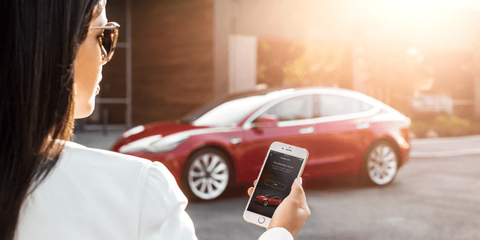
A great feature of Tesla vehicles is the ability to access many controls and features of the car through the mobile app.
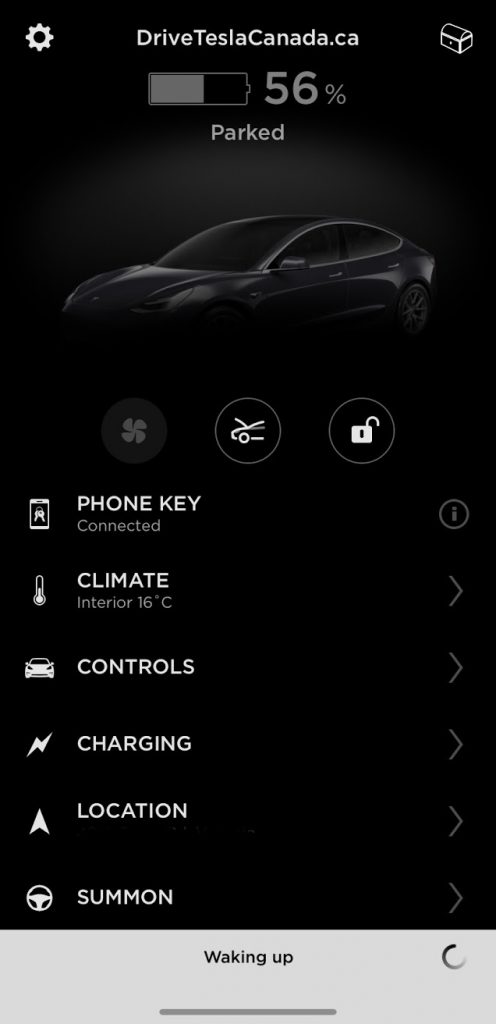
A not so great feature is when the car refuses to “wake up” and connect, rendering your car [almost] as useless as an internal combustion engine (ICE) vehicle.
Since the 2020.40 series of software updates began rolling out, we’ve received numerous complaints from Tesla owners across Canada and the US that their cars won’t wake up. We even suffered from the same issues on our Model 3.
@DriveTeslaca @Kristennetten @WholeMarsBlog @seanmmitchell hey guys, I’m having an issue with my Tesla App (iPhone vs) several times it doesn’t connect to my Tesla! Tried to uninstall/install the App nothing works! Any idea how to fix this please 🙏🏼🙏🏼🙏🏼? 💚
— Kha Hachi (@Kha_Hachi) October 26, 2020
While it can be frustrating when you can’t pre-heat the cabin of your Tesla on a cold fall morning (first world problems, right?), there is an easy workaround.
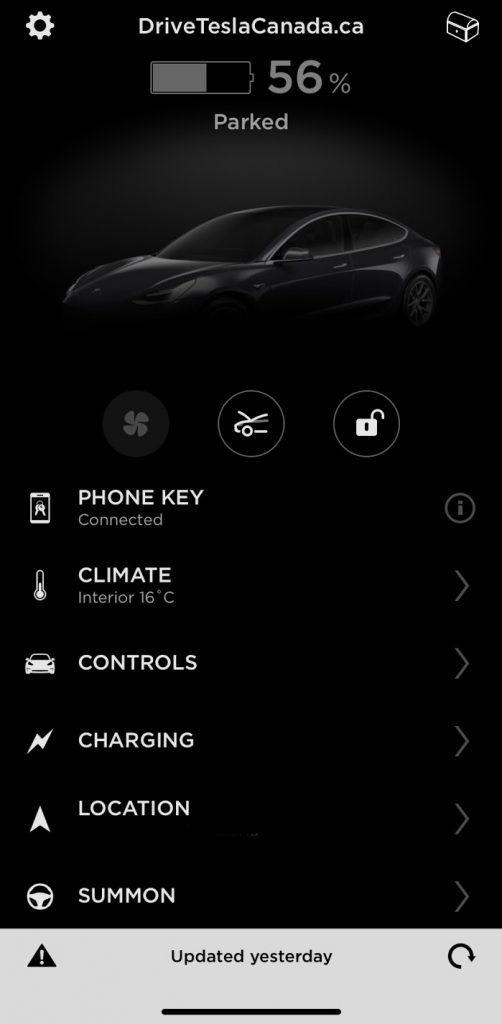
After opening the app, simply press the lock icon to lock or unlock your car to give it a little nudge. Wait a few seconds, and your car will wake up and connect to the app. The catch is this only works if you are within Bluetooth range of your vehicle.

Give it a try and let us know if this trick works for you. Do you have other ways to wake up the car? Let us know in the comments below.

Always get the latest - make Drive Tesla your preferred source on Google
Are you buying a Tesla? If you enjoy our content and we helped in your decision, use our referral link to get three months of Full Self-Driving (FSD).Drive Tesla uses affiliate links, which means we may earn a commission if you make a purchase through them, at no additional cost to you. Thank you for your support.