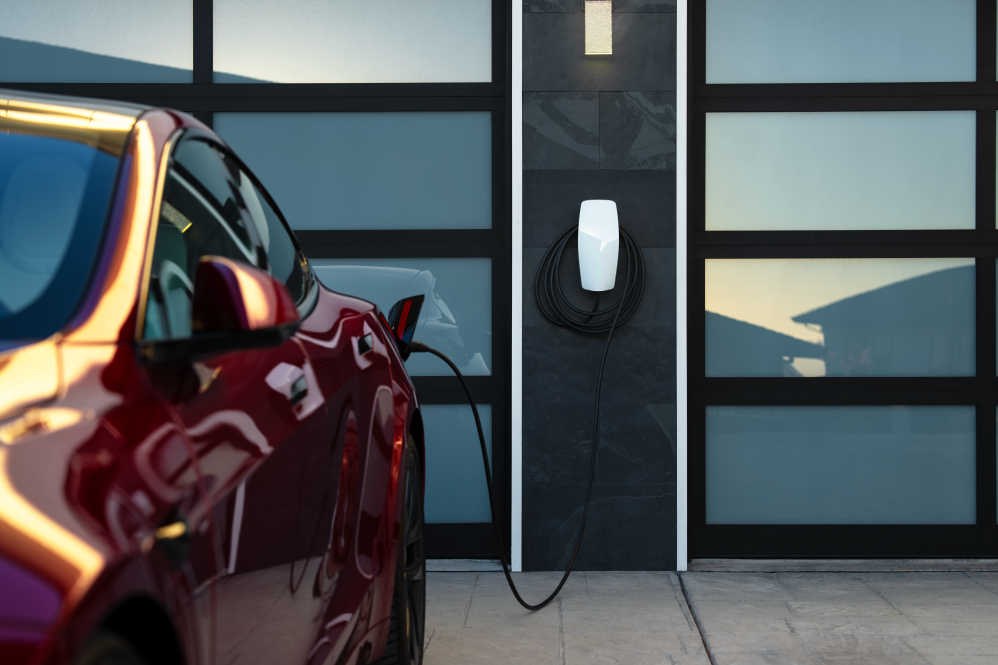
Tesla has rolled out a new software update for its Gen 3 Wall Connector that appears to resolve a long-standing Wi-Fi connectivity issue, finally bringing stable support for modern WPA3 network security.
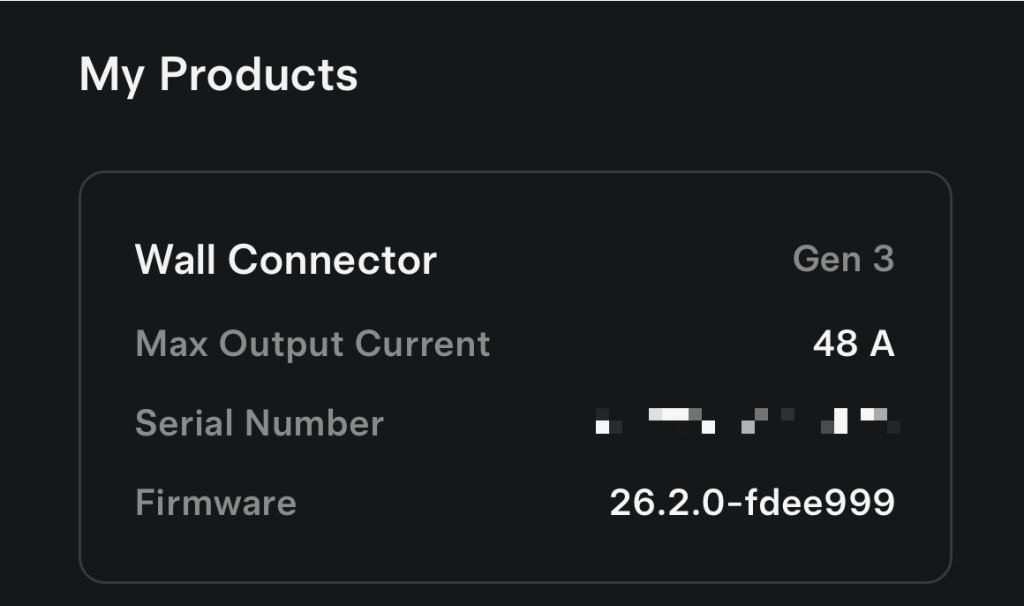
The update, version 26.2.0, addresses a problem that has frustrated owners for years. Reports of the issue date back to early 2021, not long after the Wall Connector launched in 2020, with users experiencing frequent disconnections or complete failures to connect when using WPA3 or mixed WPA2/WPA3 security settings. (via Not A Tesla App)
Long-Standing Issue With Modern Networks
For many Tesla owners, the issue wasn’t immediately obvious. Chargers would initially connect to a home network, only to drop offline shortly after.
Because the Wall Connector relies on a stable internet connection for integration with the Tesla app, firmware updates, and real-time charging data, the problem significantly limited functionality. Some owners resorted to creating separate Wi-Fi networks using older WPA2 security just to keep their chargers online.
A Temporary Fix—Then Regression
Tesla appeared to briefly solve the issue in late 2024 with a firmware update, but the fix didn’t last. Subsequent updates reintroduced the connectivity problems, leaving some users stuck in a cycle of trial-and-error fixes.
In more extreme cases, owners even blocked Tesla’s update servers to prevent their Wall Connector from installing newer firmware versions that would break connectivity again.
Update 26.2.0 Brings a Permanent (?) Solution
With the rollout of version 26.2.0, Tesla seems to have finally resolved the root cause. While the release notes have not yet been posted to Tesla’s website, owners receiving the update report that their Wall Connectors now maintain stable connections on WPA3-enabled networks, with improved auto-negotiation between security protocols.
To check which version your Wall Connector currently has, use the Tesla app and go to Home > Settings > My Home Info.
For those still waiting on the update, the most effective workaround remains using a dedicated 2.4 GHz network with WPA2 security to maintain a stable connection. This is the same approach our editor-in-chief recently used to bring his Wall Connector back online and participate in Wattsapp, a Canadian program that pays you to charge your Tesla at home.
UPDATE: finally got it to work! Did a manual firmware update and factory reset, but turns out the issue all along might have been my 2.4ghz network’s password security – needs to be WPA2, not WPA3!
— Drive Tesla 🇨🇦 (@DriveTeslaca) February 21, 2026
Changed it and we have a connection! ⚡️ 🔋 https://t.co/MSaftQZPZF pic.twitter.com/dkEGks9JFx
With support for WPA3 now effectively in place, Tesla’s Gen 3 Wall Connector is finally catching up to modern home networking standards—eliminating a long-standing pain point and restoring full functionality for owners.