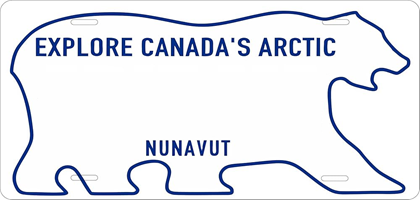
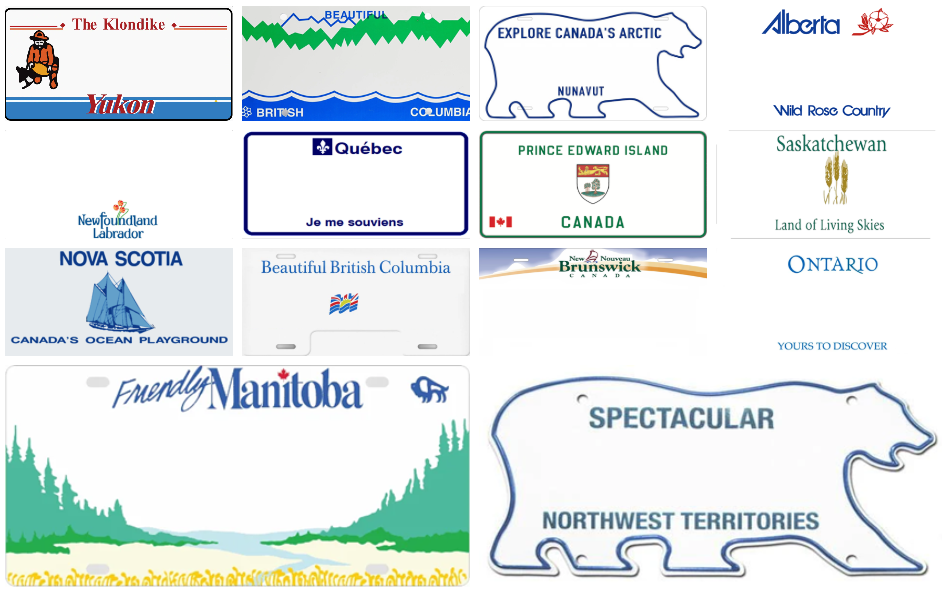
With Tesla’s 2025 Holiday Update, the new Paint Shop feature lets you personalize your in-car Tesla avatar like never before—and now you can take it even further with custom license plates styled after each Canadian province and territory.
Getting started is simple. Click the red Download button to save the license plate file for your province or territory to your computer. Next, copy the file to a USB drive and place it inside a folder named “LicensePlate” (no quotation marks). Once that’s done, plug the USB drive into your Tesla.
From there, open Toybox, launch Paint Shop, and select your province or territory specific license plate to finish the look. In just a few steps, your Tesla avatar can proudly display a plate that matches both its paint colour and your home region—a small but fun detail that adds even more personality to your Tesla.
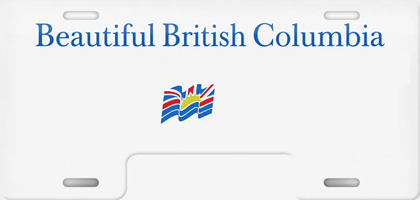
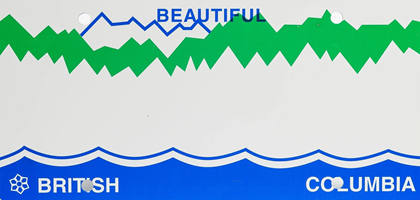
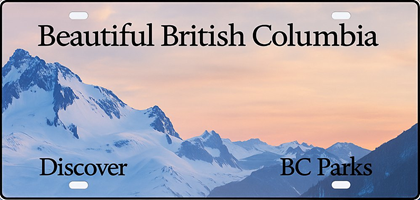
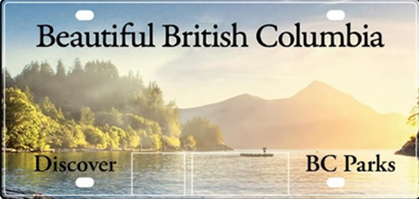
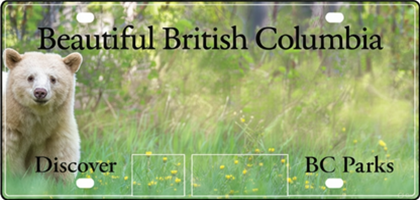
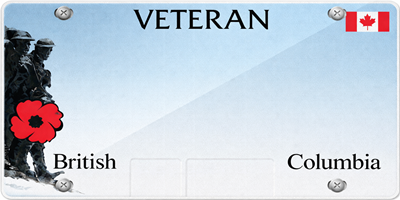
British Columbia

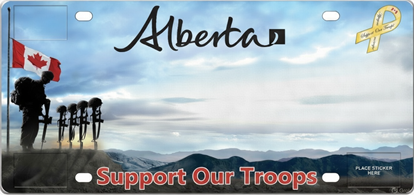
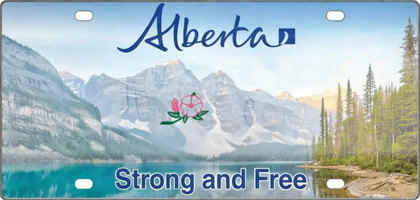
Alberta

Saskatchewan

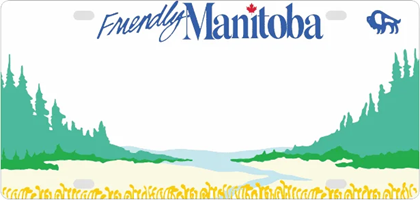
Manitoba
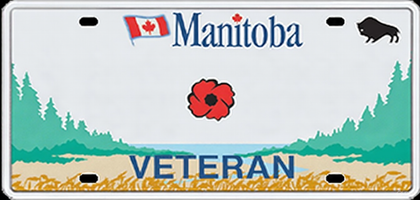
Ontario
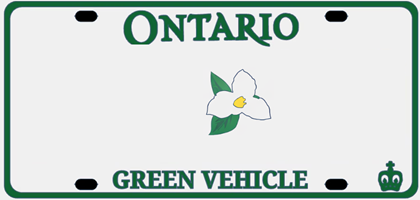
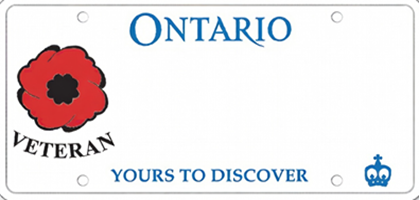
Quebec
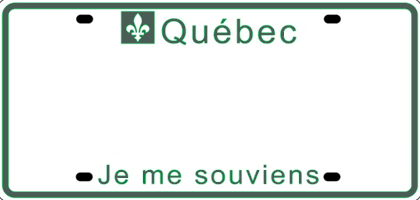
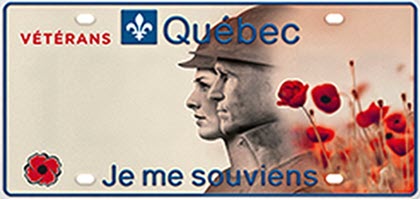
Quebec EV Veteran

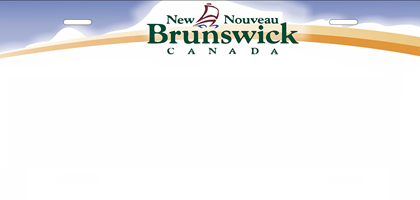
New Brunswick
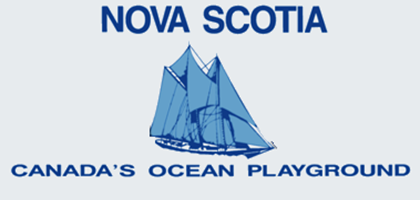
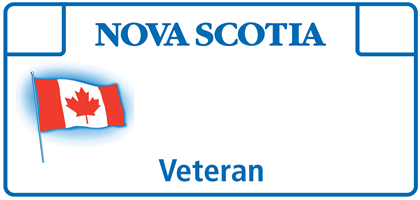
Nova Scotia
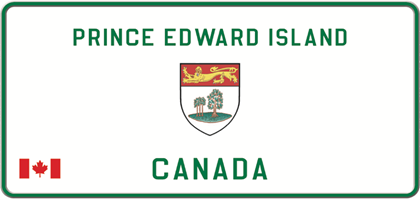
Prince Edward Island
Newfoundland and Labrador
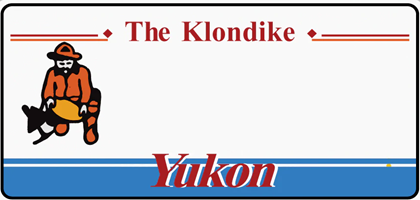
Yukon
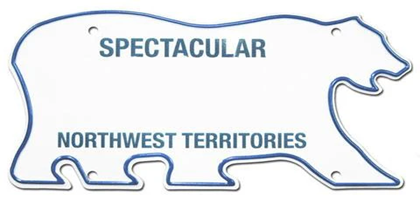
Northwest Territories
Nunavut